
How to Add Excel Sheets in Bulk for Free?
 By Yuto Saizen
November 29, 2024
Sheet Processing
By Yuto Saizen
November 29, 2024
Sheet Processing
Getting Started
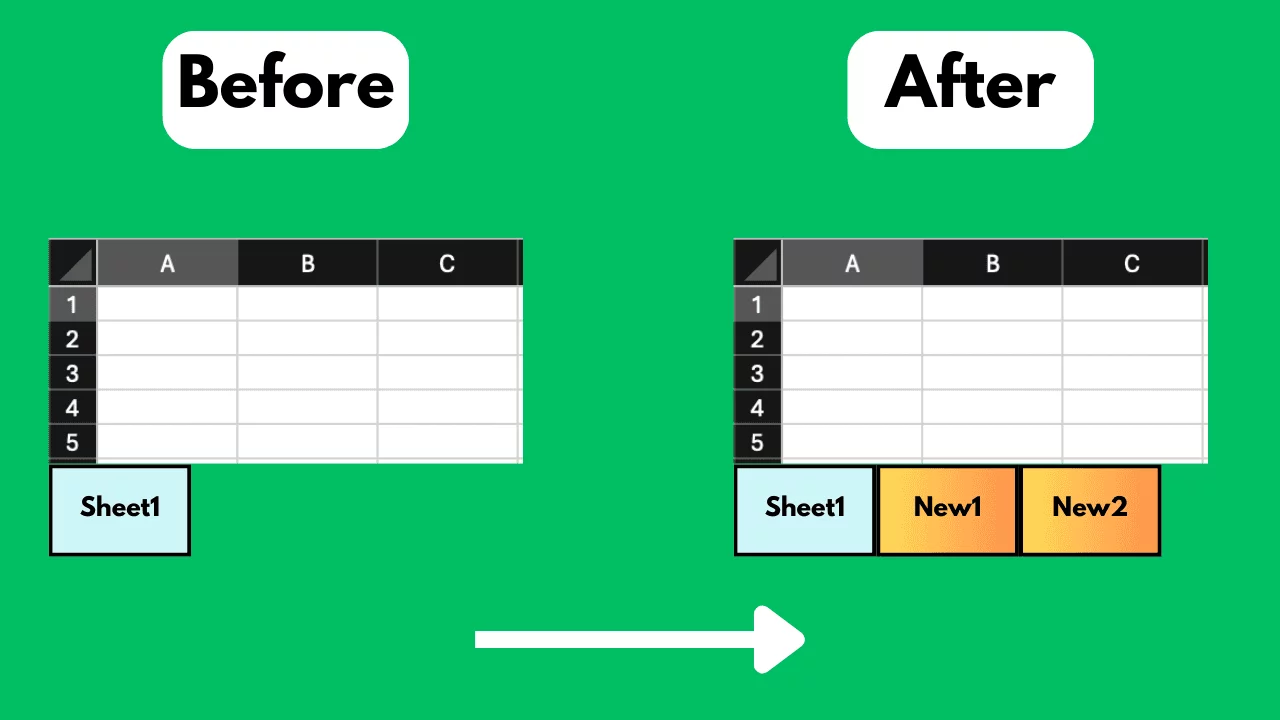
Managing multiple Excel sheets can be an overwhelming task, especially when you need to add numerous sheets to an existing workbook. This can be a tedious process if done manually. Adding Excel sheets in bulk can streamline your workflow, enhance productivity, and reduce errors. This blog post will guide you through free methods to add Excel sheets in bulk effectively.
The Challenge
One common problem is adding multiple Excel sheets to a single workbook. Manually inserting each sheet and edit the sheet names can be time-consuming and repetitive.
Free Methods to Address the Problem
1. Using SheetFlash's Add Sheets Function
SheetFlash addresses all the challenges mentioned above. With SheetFlash, you can effortlessly add multiple Excel sheets to an existing workbook, saving time.
Advantages of Using SheetFlash's Add Sheets Function:
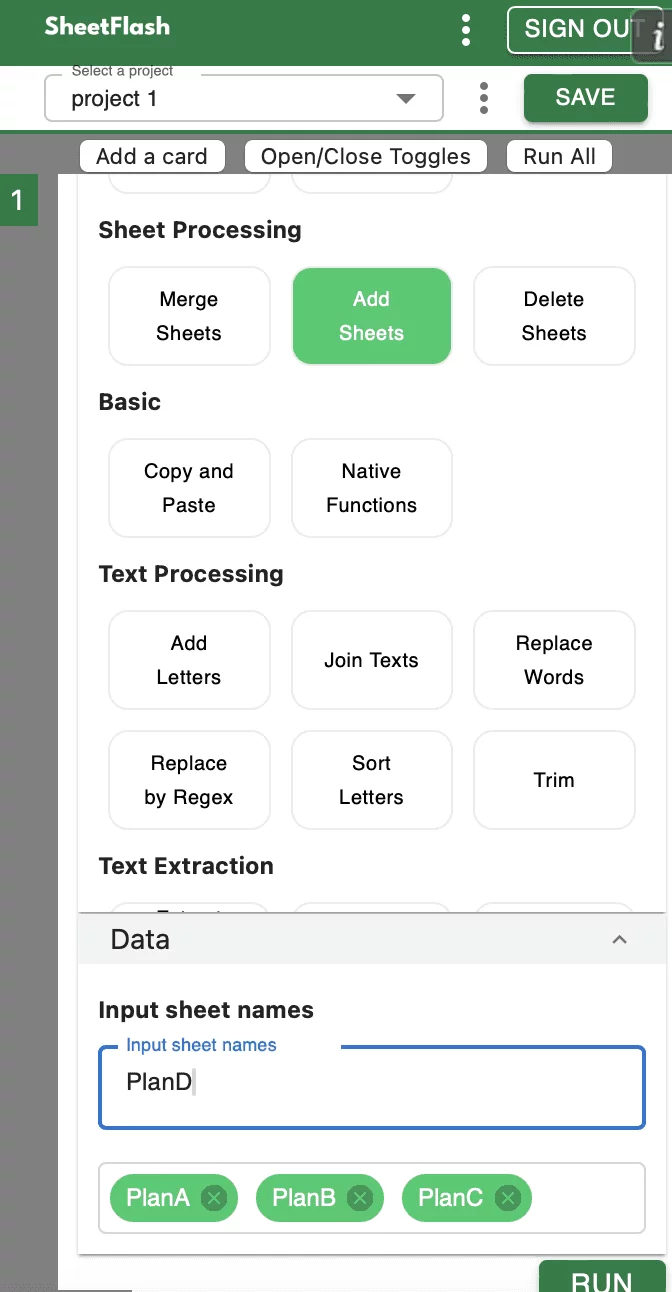
SheetFlash’s Add Sheets function allows users to efficiently insert multiple sheets into a workbook and it's incredibly intuitive. You can easily input the names of the sheets you want to add consecutively and add them all at once, making it extremely user-friendly and quick to use.
Step-by-Step Solution Using SheetFlash:
Installation: Install SheetFlash from Microsoft AppSource.
Log in: Log in using your Google account or email address and password.
Subscribe for free: Select the 'Free' plan.
Use the Add Sheets function:
Open the Excel workbook where you want to add sheets.
Select the Add Sheets function.
Specify the number of sheets you want to add and their names if required.
Execute the function to insert the sheets into the workbook.
With SheetFlash, you can save time, reduce complexity, and ensure data accuracy. For more details, visit SheetFlash Add Sheets.
2. Using Native Excel Functions
There may only be 2 solutions if you stick to avoid excel add-ins or external solutions.
Repeat the manual process: Manually repeat add a sheet and rename it.
Write VBA scripts: VBA can be the semi-automated solution to add multiple sheets.
However, this approach can be time-consuming and prone to errors, especially with a large number of sheets.
Difficulties and Limitations:
Manual process is labor-intensive and slow.
High risk of data integrity issues due to human error.
VBA is too difficult to understand for the ordinary users and it's not intuitive.
3. Using Other Services
In our investigation, it seems there is no way to add Excel sheets for free other than purchasing a paid add-in.
The Benefits of SheetFlash
SheetFlash can provide more benefits other than the Add Sheets function mentioned above.
Automation: Automate Excel workflows, significantly reducing time and costs.
Advanced Functionality: Provides data transformation capabilities beyond what is possible in Excel. No programming skills like Python are needed, making complex operations simple to execute.
Easy to Use: Designed for anyone to use, featuring an intuitive and simple UI. This no-code tool enables automation with just a few clicks within Excel.
High Speed: Processes large-scale data that would freeze Excel or take an hour to handle, at astonishing speeds, saving time and enhancing Excel’s capabilities.
Workflow Management: Displays workflows in a card format, showing the sequence and actions, simplifying the understanding of complex data transformations. Extremely useful for recording repetitive tasks and handing over work.
For a detailed guide on how to add sheets using SheetFlash, visit sheetflash.com.